Affiliate Disclosure: This article contains affiliate links. If you choose to sign up for WordPress.com through these links, I may earn a small commission at no additional cost to you.
Have you ever wondered whether WordPress.com is actually worth using, or if it’s just another platform that looks easy until you start building?
I had the same question, so I decided to find out for myself.
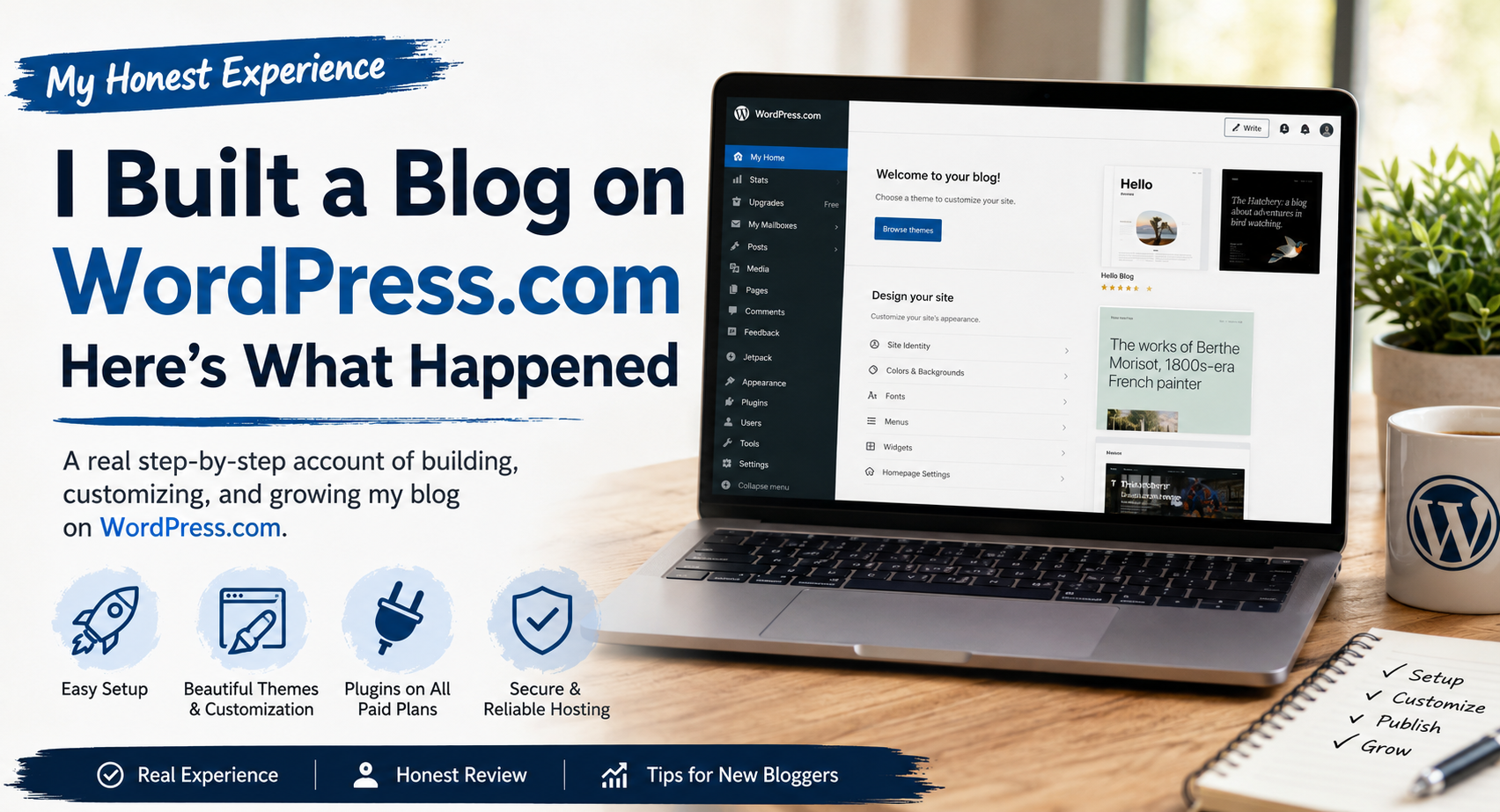
I created a blog on WordPress.com, went through the setup process, published content, and spent time learning what the platform does well—and where it falls short.
Some things were surprisingly simple. Others were a little frustrating.
If you’re thinking about starting a blog and aren’t sure whether WordPress.com is the right choice, what I learned might save you time, money, and a few headaches along the way.
Let’s go.
Table of Contents:
Why I Decided to Try WordPress.com
For years, I kept saying I would start a blog one day. I had plenty of ideas, but every time I looked at what it took to build a website, I felt stuck. I had to think about hosting, domain names, themes, plugins, and many other decisions before I could even write a single article.
At some point, I stopped waiting and signed up for WordPress.com.
I wasn’t trying to build a huge website from day one. I wanted a simple blog where I could publish my ideas, understand how blogging worked, and see if I could keep writing on a regular basis. I wanted to spend my time creating content, not figuring out technical problems.
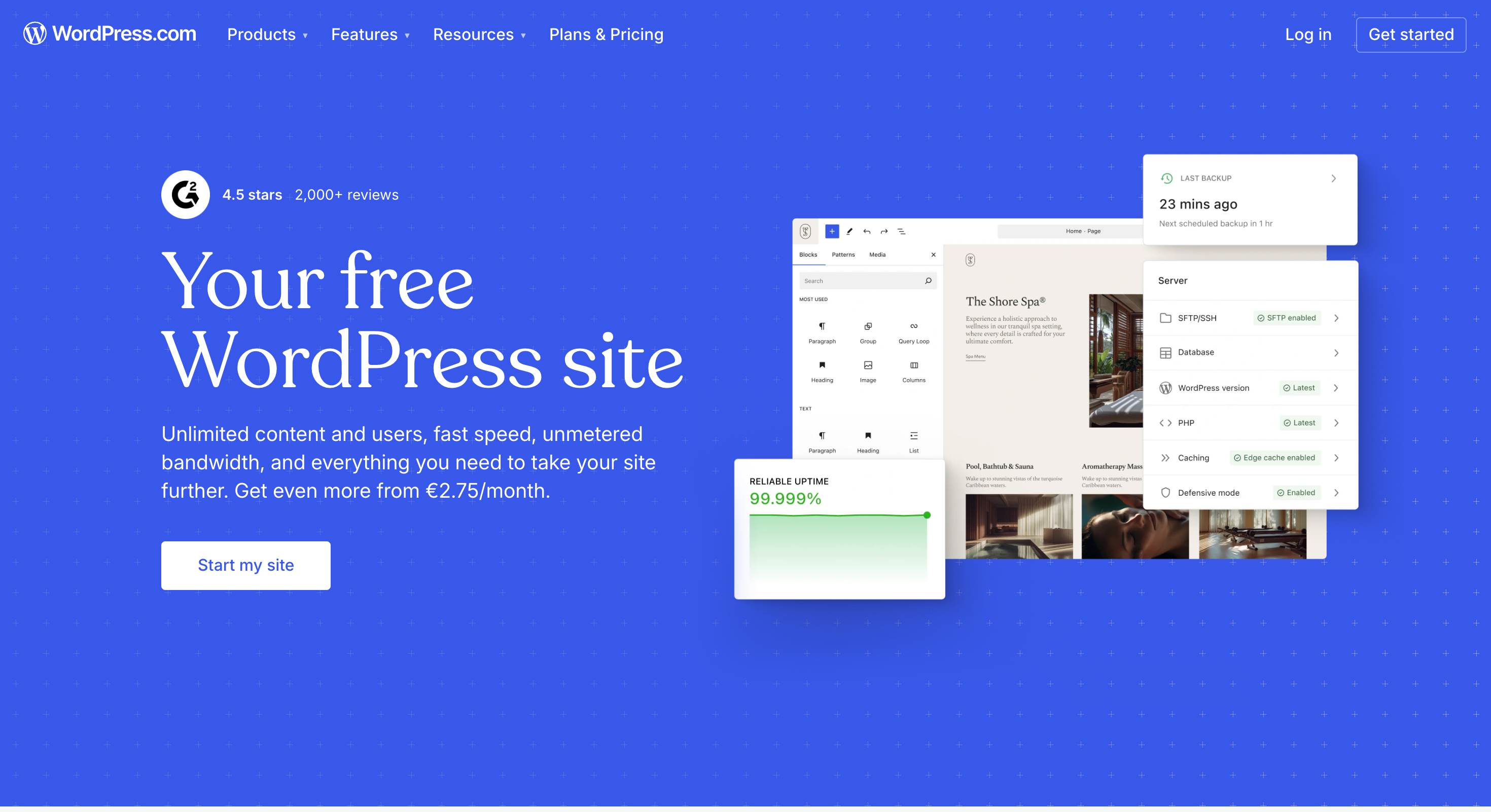
WordPress.com looked like the easiest place to begin. It included hosting, security, software updates, and everything else I needed in one account. I could choose a theme, create my site, and publish my first post without spending hours setting everything up.
I also wanted real experience. Reading blog posts and watching tutorials could only teach me so much. I knew I would learn far more by creating an actual website, even if I made a few mistakes along the way.
Before I signed up, I expected the setup process to be simple. I hoped the editor would be easy to use and that my blog would look good without spending days changing every little detail.
Many of those expectations became reality. I had my site online much faster than I expected, and publishing my first post felt straightforward. As I spent more time with the platform, I also found a few limits that I hadn’t expected. Those experiences helped me understand what mattered most when choosing a blogging platform.
Looking back, I’m glad I stopped waiting and finally launched my first blog. That experience taught me far more than weeks of reading reviews ever could.
Getting Started Was Easier Than I Expected
One of the biggest reasons I chose WordPress.com was simplicity. I didn’t want to spend hours comparing hosting companies, configuring servers, or worrying about security settings before publishing my first post.
Thankfully, the setup process was surprisingly simple.
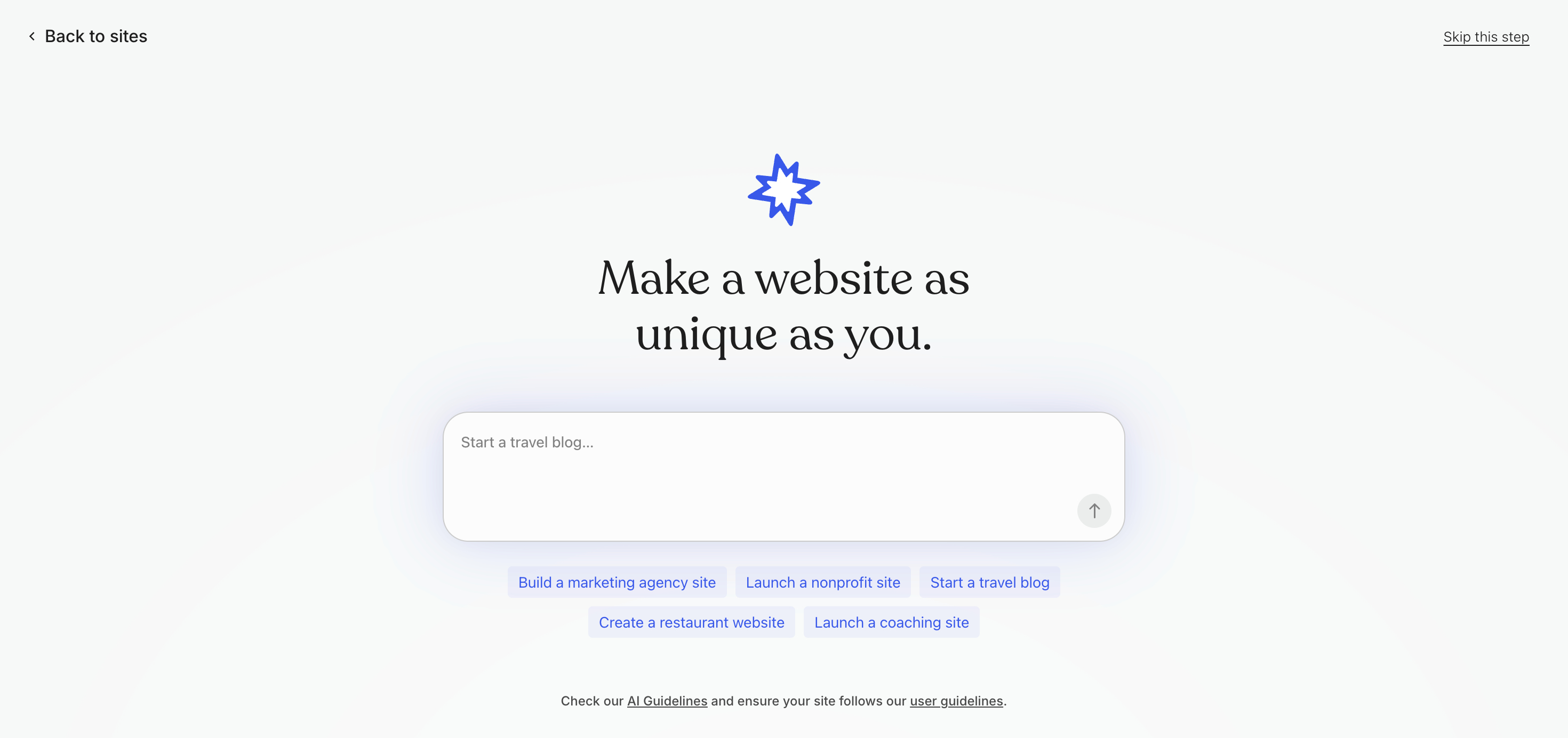
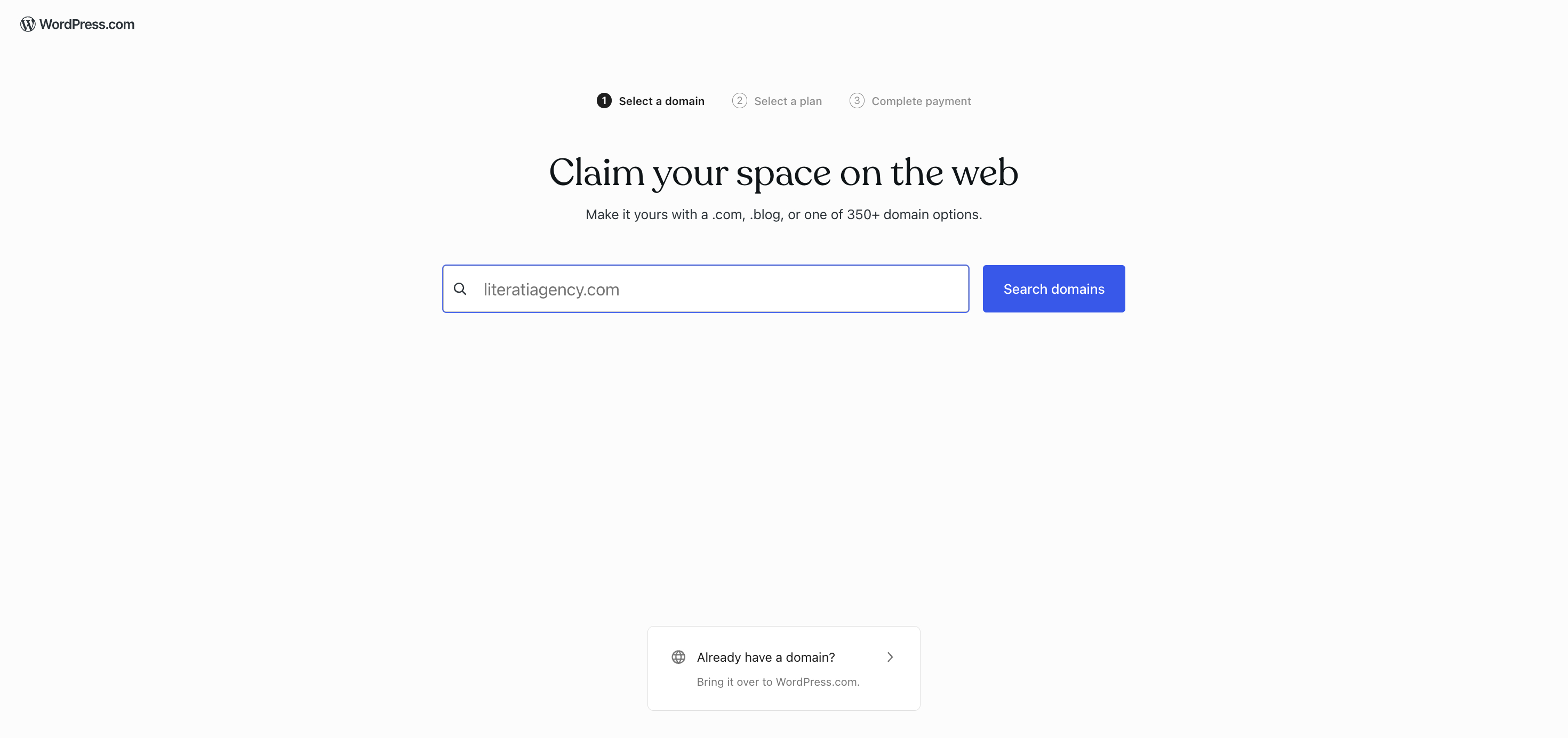
Creating an account took just a few minutes. After I chose a site name, the platform guided me through selecting a domain and picking a theme. The experience felt closer to setting up a social media profile than building a website from scratch.
WordPress.com handles the technical setup for you. It includes hosting, runs software updates automatically, and manages security behind the scenes. This meant I could focus entirely on building pages, writing content, and customizing the site.
For beginners, that is a massive advantage.
Many new bloggers will likely start with the Personal plan. It includes a custom domain and the core features you need to launch a professional site.
Here is how the monthly versus annual pricing breaks down across their tiers:
| Plan | Monthly Billing | Annual Billing (Per Month) |
|---|---|---|
| Personal | $9 | $4 |
| Premium | $18 | $8 |
| Business | $40 | $25 |
| Commerce | $70 | $45 |
The platform also offers far more flexibility now than it did a few years ago. Previously, WordPress.com locked advanced customization behind its highest tiers.
Today, all paid plans grant access to custom fonts, CSS editing, and more than 60,000 plugins and themes.
My first impression?
The platform felt simple, beginner-friendly, and unintimidating.
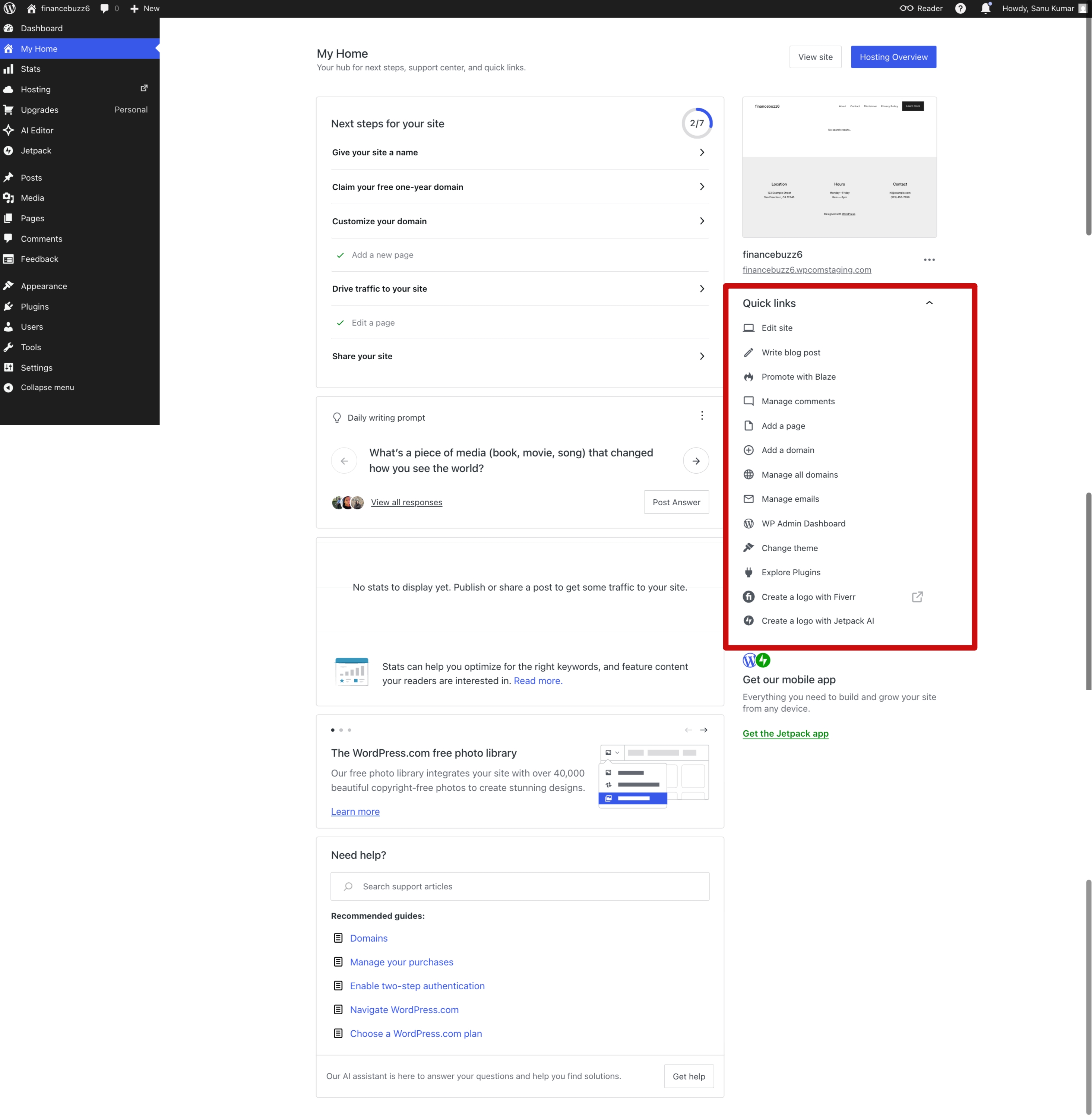
Within a short afternoon, I put a functional website online without touching a single hosting setting. That alone removes the friction that stops most people from ever launching their first blog.
What I Liked Right Away
After launching the site, a few features impressed me immediately.
The biggest one was that I didn’t have to worry about maintaining the website.
With many website builders, you need to think about hosting, software updates, backups, and security. Those jobs may happen behind the scenes, but they still need attention, especially if you’re using self-hosted WordPress.
WordPress.com handles those tasks for you.
That meant I could spend my time creating pages, writing blog posts, and building my website. As a beginner, that made a real difference. I didn’t have to pause every few minutes to search for tutorials or figure out technical problems before I could continue.
I also liked the dashboard.
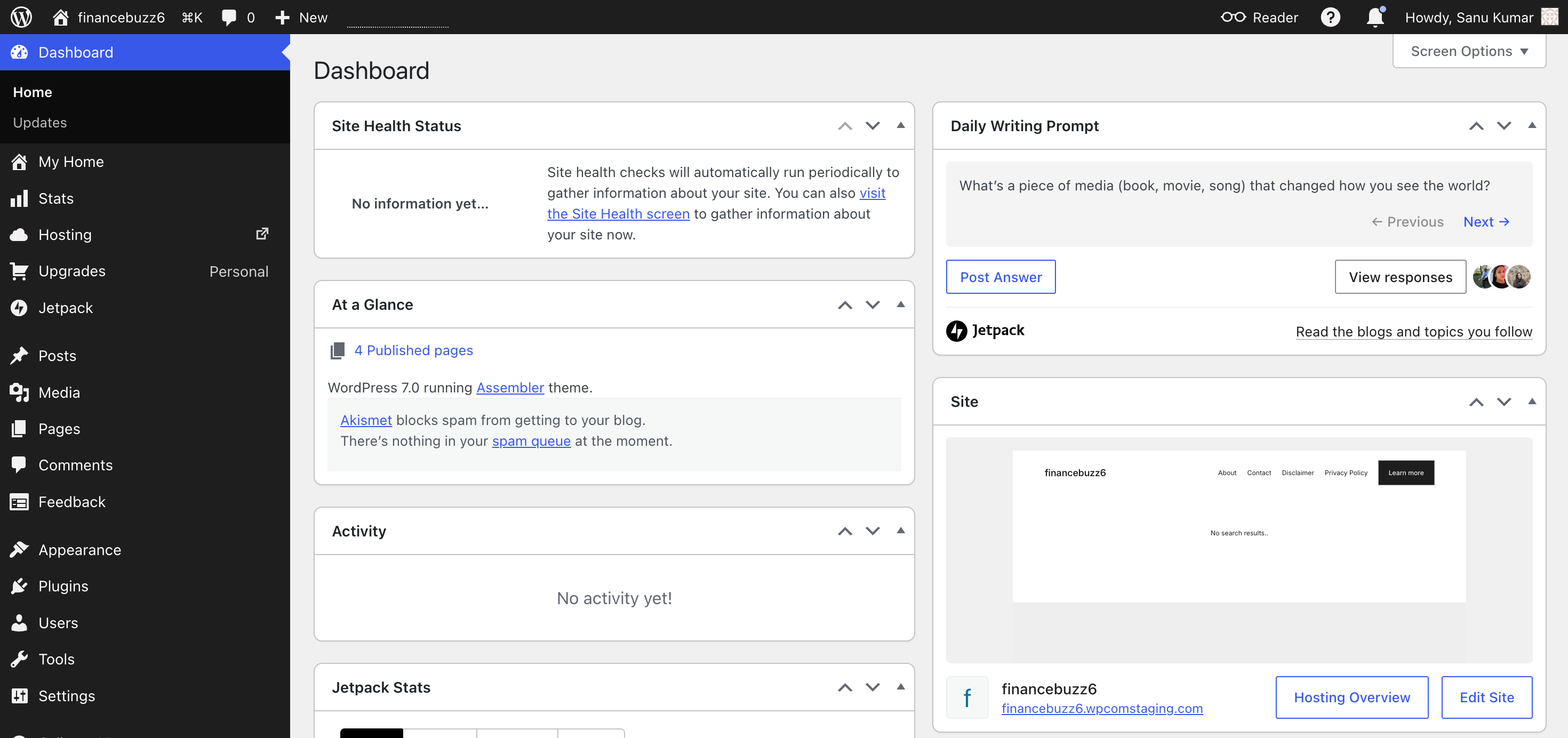
WordPress is known for being powerful, but I never felt lost while using it. After a little practice, I could create posts, add pages, upload images, and organize my content without any frustration. Everything felt easy to find, and the editor became familiar after using it for a short time.
I also loved how fast I created a professional-looking site.
The built-in themes gave me a solid starting point. I changed the colours, selected different fonts, and made a few layout changes. Within a short time, the site looked like my own website rather than a default template.
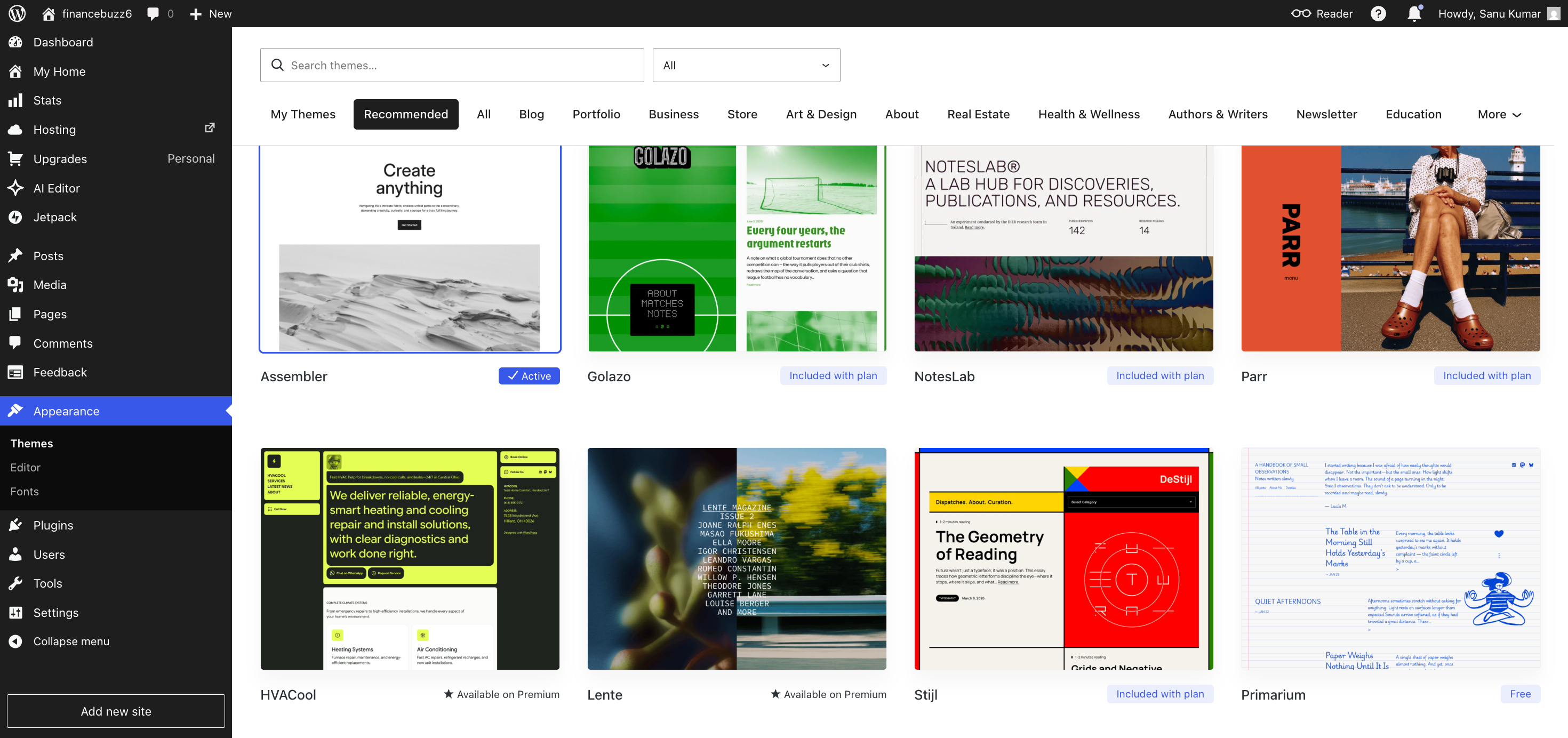
Another thing I appreciated was how much freedom the paid plans now offer.
WordPress.com has changed a lot over the last few years. Every paid plan now lets you install plugins and themes. That opens the door to thousands of ways to expand your website without paying for the highest-priced plan.
If you want better SEO, you can install an SEO plugin.
If you need contact forms, analytics, backups, membership features, or eCommerce tools, you can add those as well.
The design options also impressed me. Global Styles, custom fonts, and custom CSS let me personalize my website far more than I expected from a managed platform.
I also liked knowing that WordPress.com takes care of updates and security automatically. Those tasks may not be exciting, but every website needs them. Since the platform handled them for me, I could focus on creating content without worrying that an update might cause problems.
More than anything else, WordPress.com removed many of the technical roadblocks that stop people from launching their first blog.
I wasn’t spending hours watching hosting videos or fixing technical issues.
I spent that time writing.
For me, that’s exactly what a blogging platform should help you do.
The Challenges I Didn’t See Coming
Overall, I had a positive experience with WordPress.com, but it wasn’t perfect.
After the excitement of launching my site wore off, I started noticing a few challenges that I hadn’t expected.
The first one was getting familiar with WordPress itself.
WordPress.com makes it easy to create a website, but WordPress includes many features, settings, and customization options. As a beginner, I sometimes paused to understand what a particular setting did before moving on.
I never felt that WordPress was hard to use. I just needed time to become familiar with how everything worked.
Another thing that confused me at first was the difference between WordPress.com and WordPress.org.
Whenever I searched Google or watched YouTube tutorials, I often found guides written for self-hosted WordPress.org websites. Some steps worked exactly the same on WordPress.com, while others didn’t. I had to double-check whether a tutorial applied to my site before following it.
Customization brought another challenge.
WordPress.com now offers much more freedom than it did in the past. You can install plugins, choose from thousands of themes, use custom fonts, edit Global Styles, and even add custom CSS on eligible plans.
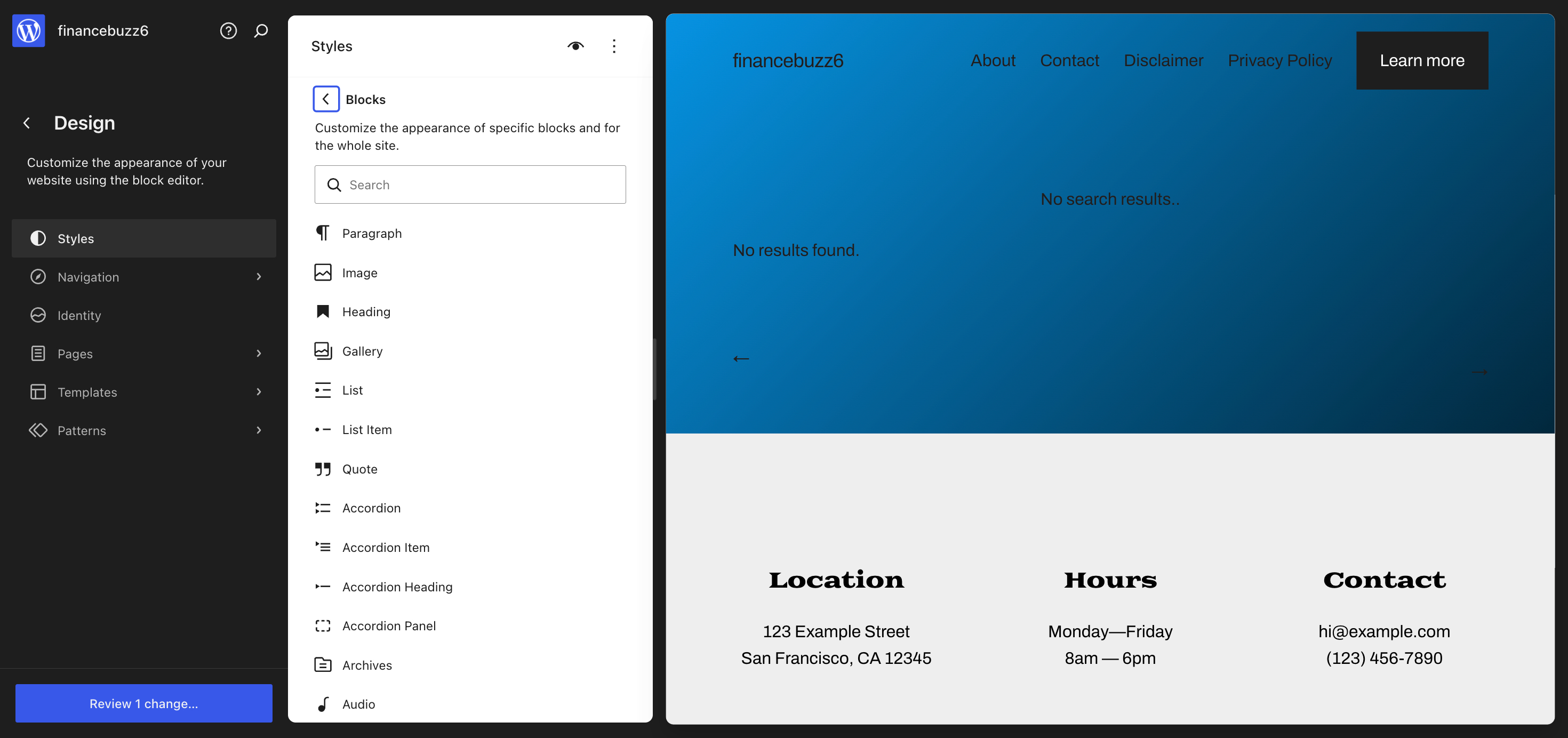
The problem wasn’t the lack of options.
The problem was deciding which plugins and features I actually needed.
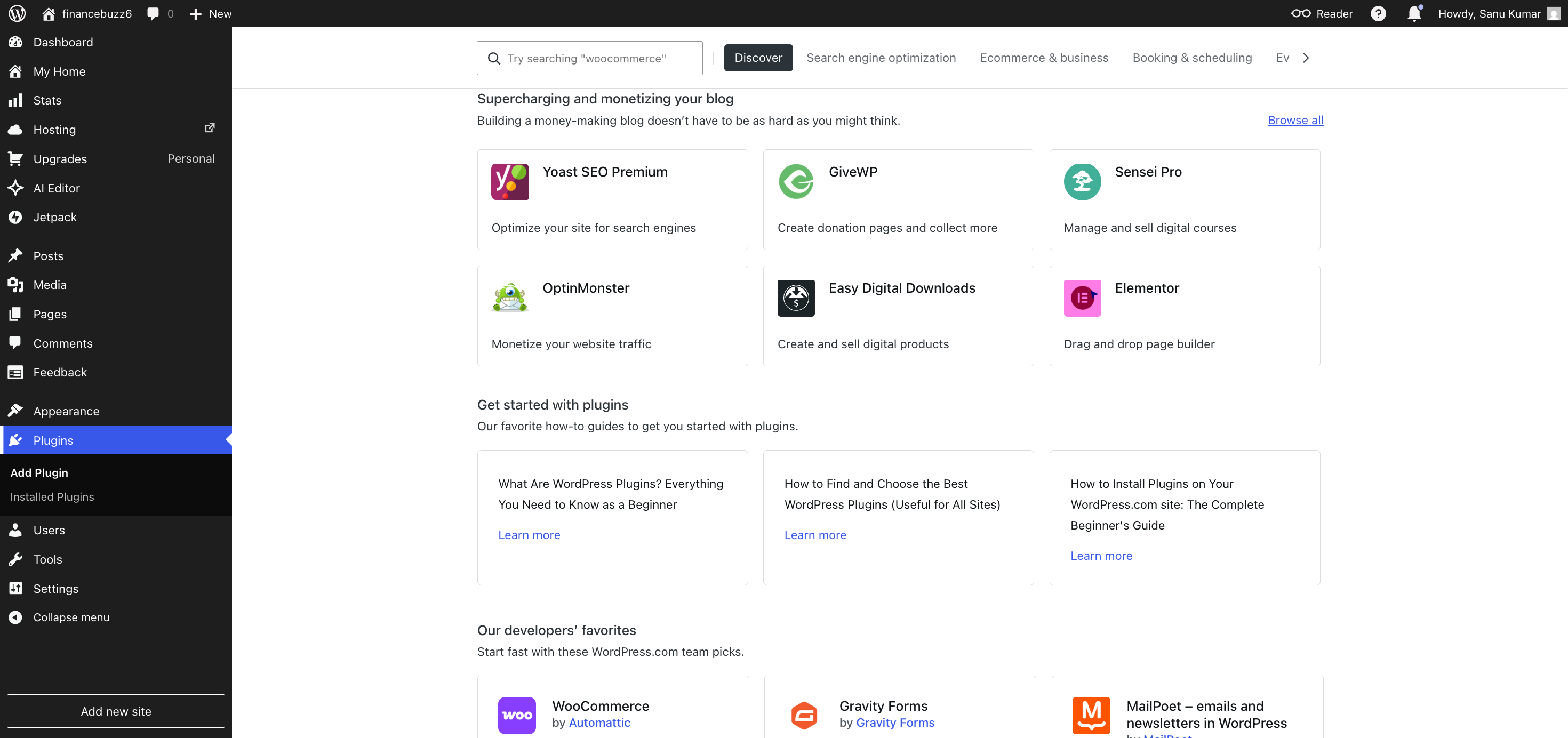
When you see thousands of plugins, it’s tempting to install one for every small task. After a while, I realized I was spending too much time trying new tools and not enough time writing new content.
I also found myself comparing WordPress.com with self-hosted WordPress.org.
That happened naturally as I read articles and watched videos about blogging. WordPress.org offers complete control over your website, while WordPress.com focuses on making website management much easier. Whether that feels like an advantage or a drawback depends on what you want from your website.
One lesson became obvious to me.
No blogging platform removes every challenge.
WordPress.com takes care of hosting, security, software updates, and many technical tasks. That saves a lot of time. But you still need to learn how to write useful content, organize your website, improve your pages, and grow an audience.
The platform makes publishing much easier.
The rest is still up to you.
Once I accepted that, I enjoyed using WordPress.com much more.
Building My First Posts and Pages
After I finished the initial setup, I could finally focus on what mattered most: publishing content.
This was the point where WordPress.com really started to make sense.
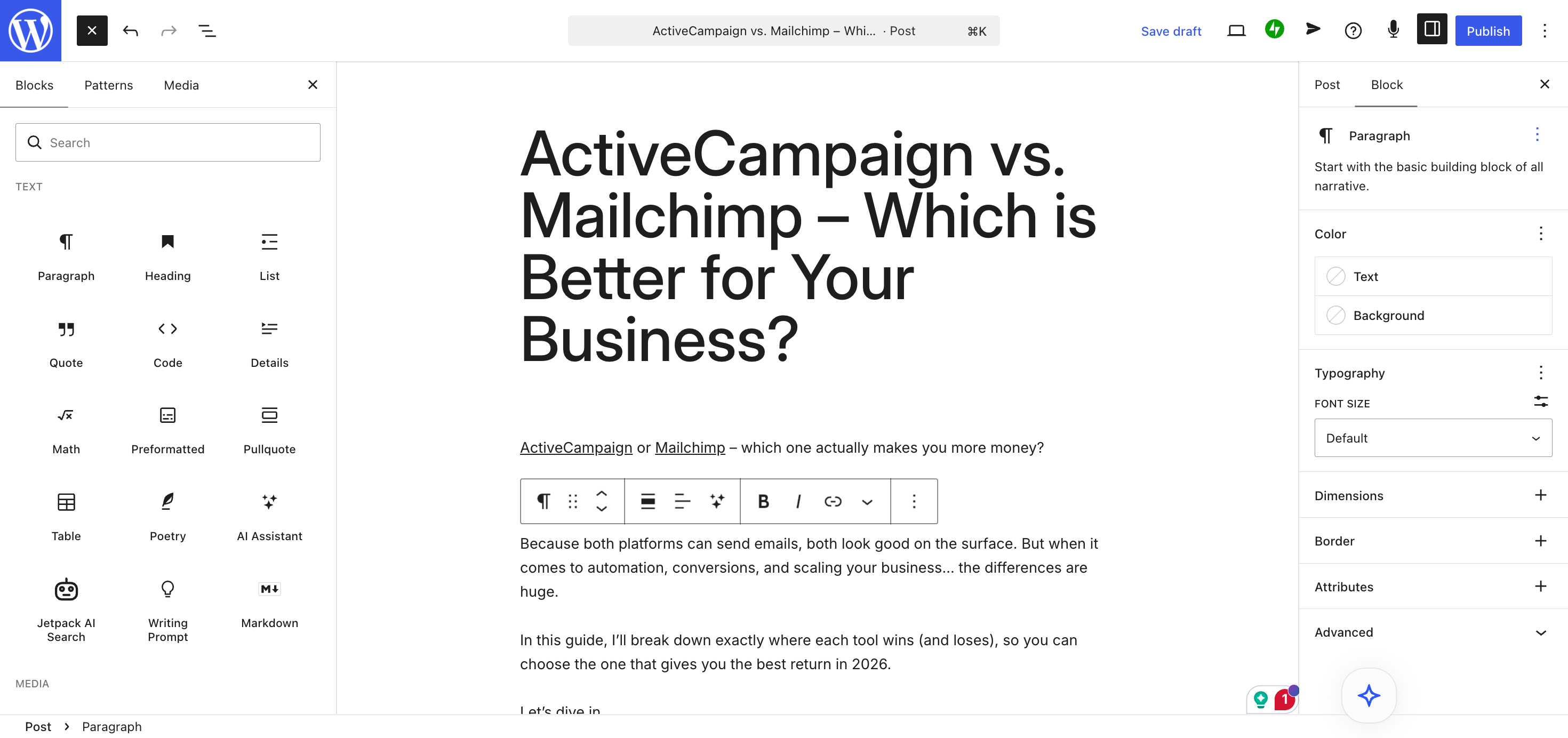
Creating my first blog post felt simple. The editor looked modern without feeling confusing. After writing a few posts, I became comfortable adding headings, paragraphs, images, buttons, lists, and other content blocks. Every section sat inside its own block, so I could move content around and build pages without writing a single line of code.
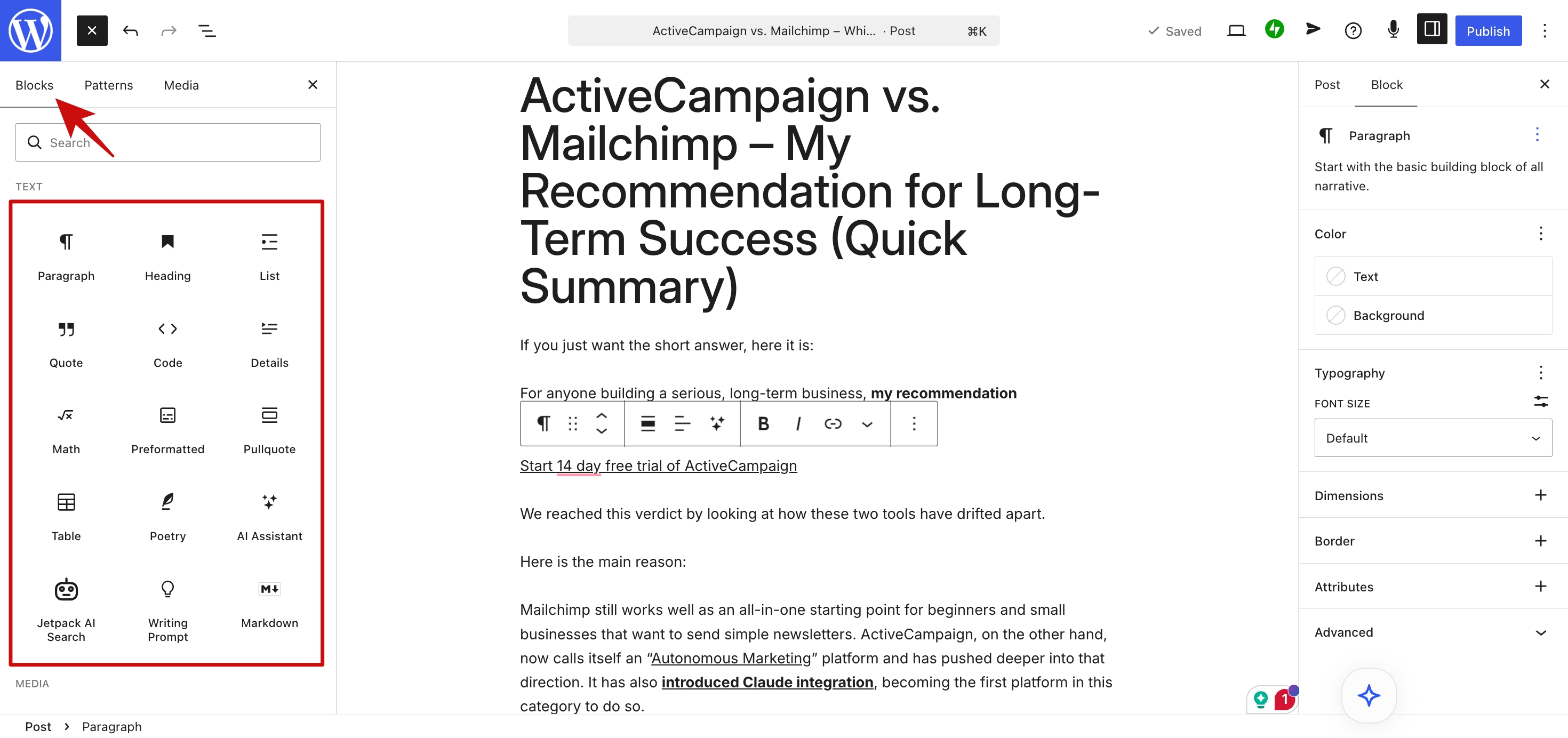
I wasn’t convinced about the block editor at first.
I thought it would slow me down because it worked differently from a traditional text editor. After using it for a while, my opinion changed. Once I understood how the blocks worked together, writing and formatting posts felt natural.
I also spent time organizing my website.
That turned out to be one of the best decisions I made.
I created categories and tags to organize my articles.
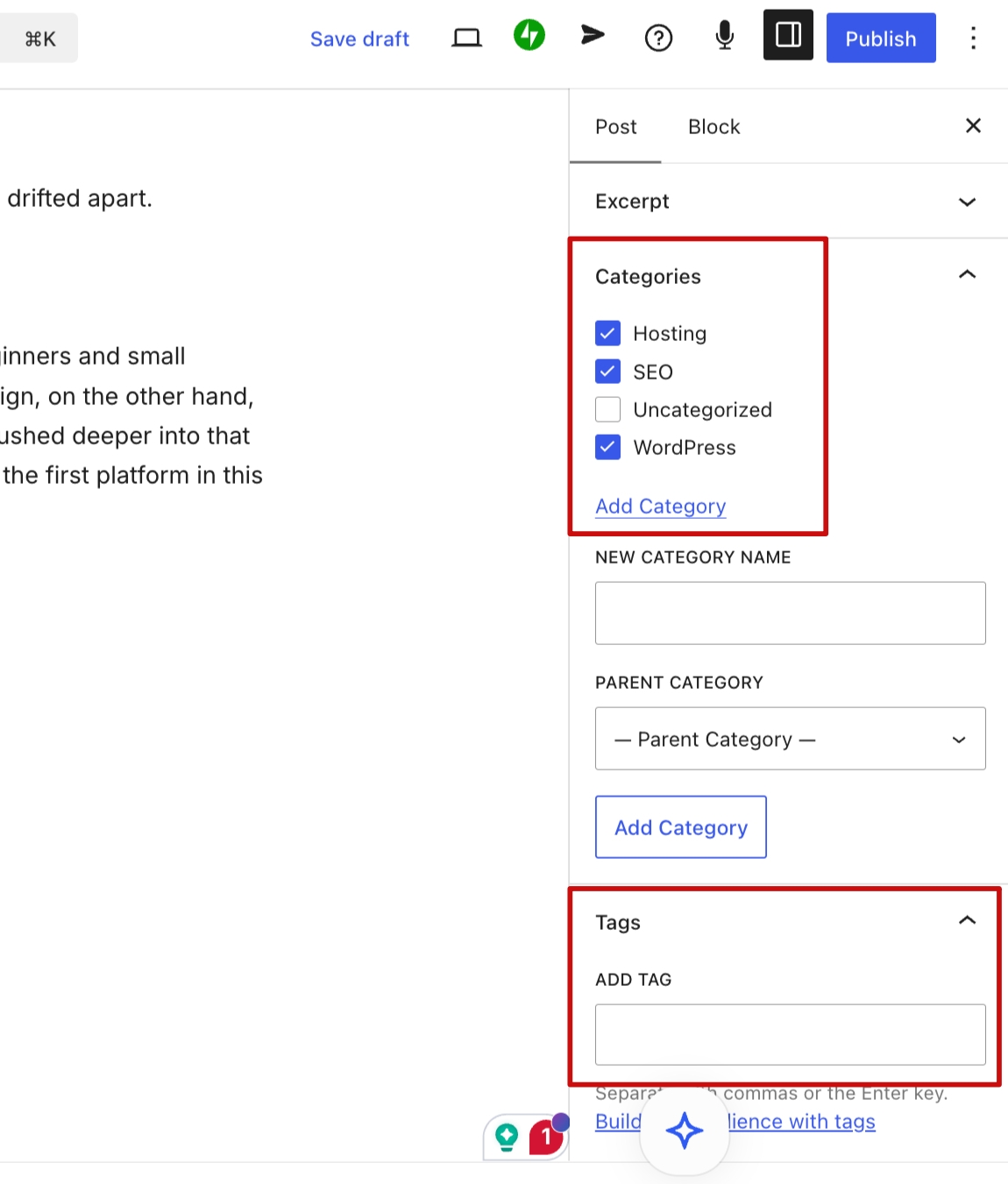
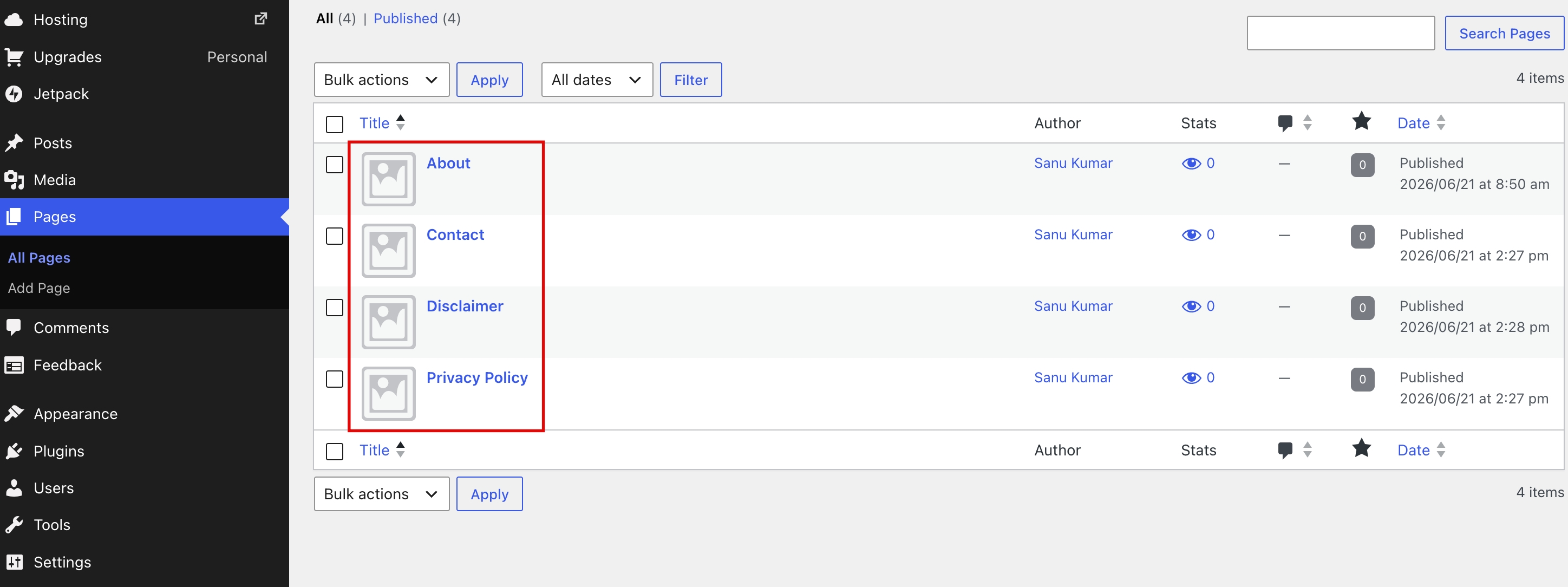
I also added important pages like About, Contact, and Privacy Policy. Those pages made the site feel more complete and helped build trust with visitors. Many new bloggers focus only on publishing articles, but a well-organized website leaves a much better impression.
Adding images was just as easy. I dragged files into the editor, placed them where I wanted, and continued writing without stopping to deal with technical steps.
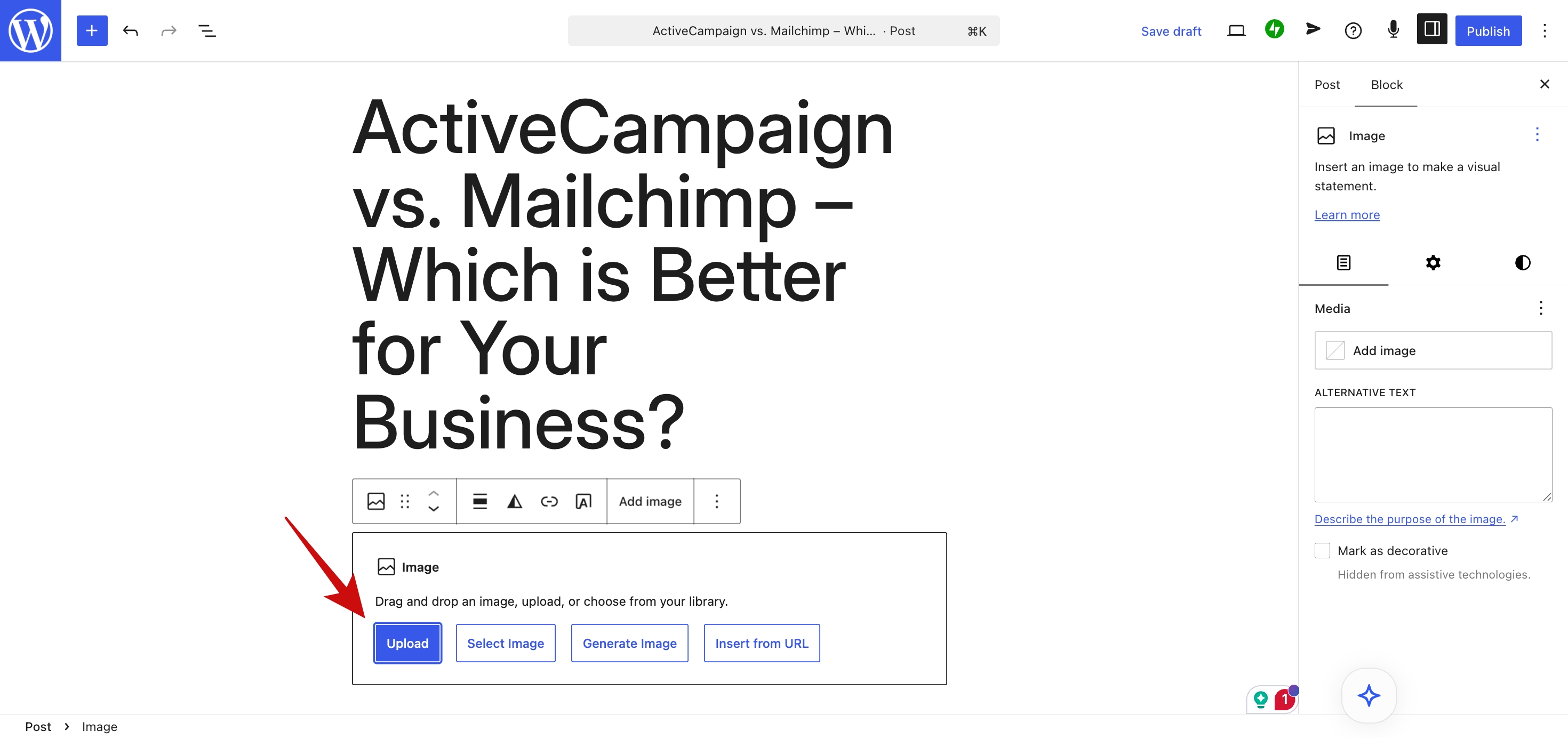
One thing I liked was that I never had to think about hosting, software updates, or security before publishing a post. I could focus on writing, review my content, and click Publish when everything looked ready.
That helped me spend more time creating articles and less time managing the website.
As I published more posts and built more pages, I noticed something important.
The platform wasn’t the biggest challenge.
Writing content that people actually wanted to read took much more effort.
WordPress.com made publishing simple, but I still had to research topics, write helpful articles, and build a habit of publishing on a regular schedule.
That experience taught me an important lesson.
A blogging platform can make publishing easy, but your success still depends on your content’s quality and your daily commitment. WordPress.com removed many of the technical obstacles, which made it much easier for me to stay consistent.
How My Blog Performed After Launch
Launching the blog felt like crossing a finish line.
In reality, it was the starting line.
Like most new bloggers, I secretly hoped traffic would appear the moment I published my first few posts. It didn’t. And that’s probably the first lesson every new site owner needs to learn.
A blog doesn’t start growing simply because it exists.
It grows because people can find it, trust it, and find value in what it publishes.
From a technical standpoint, though, I was impressed with how the site performed.
The pages loaded quickly, the design worked perfectly on mobile, and everything felt stable. I never had to worry about server issues, downtime, software updates, or security problems disrupting the experience. Those are the kinds of tasks many website owners don’t think about until something breaks.
With WordPress.com managing the infrastructure, I could focus my attention elsewhere.
The indexing process was also more seamless than I expected. Once the content was published and the site was properly configured, search engines began discovering pages naturally. That didn’t mean instant rankings, but it did mean the blog was able to start building visibility without requiring advanced technical knowledge.
What surprised me most wasn’t a feature.
It was how much my perspective changed after launching.
Before building the site, I spent a lot of time comparing platforms, reading reviews, and researching features. After launch, I realized those decisions mattered far less than the quality of the content I was publishing.
The platform was important.
The content was more important.
A fast, secure, professionally built website creates a strong foundation. But no amount of customization can compensate for inconsistent publishing or articles that don’t help readers solve a problem.
After a few weeks, I rarely thought about the platform. Most of my time went into researching topics, writing better posts, and understanding what readers wanted.
That’s actually a good sign.
The best website platforms fade into the background. They allow you to focus on your goals instead of constantly demanding your attention.
For me, WordPress.com largely accomplished that.
The platform handled the technical heavy work while I concentrated on learning what it takes to grow a blog.
The Biggest Lessons I Learned
If I could go back and give myself advice before launching this blog, I’d probably spend less time obsessing over the platform and more time thinking about the content.
That’s the biggest lesson I took away from this experience.
Before starting, I treated the platform choice like it was the make-or-break decision. I compared features, pricing plans, themes, and customization options for days. Looking back, that research was useful—but it wasn’t nearly as important as I thought.
Once the site was live, the real work began.
Publishing consistently.
Learning what readers care about.
Improving my writing.
Understanding how search traffic works.
Building an audience.
None of those things depended on whether I chose one platform over another.
Another lesson was that simplicity has real value.
It’s easy to assume that having more features automatically leads to better results. In practice, too many options can become a distraction. One thing I appreciated about WordPress.com was that it handled hosting, updates, and security automatically. That left me with more time to write and improve my website.
I also learned that customization should serve a purpose.
When I first discovered the thousands of available plugins, I wanted to try everything. Analytics tools, SEO tools, design tools, form builders, optimisation tools, and more.
The problem?
Every new plugin felt productive, even when it wasn’t.
At some point, I realized that spending three hours modifying a website rarely creates as much value as spending three hours writing a useful article.
That’s a lesson many bloggers learn the hard way.
I also underestimated the importance of site structure.
Creating simple navigation, placing articles in the right categories, and building essential pages made the blog feel more professional almost immediately. Those small details influence how visitors experience your site and whether they stick around.
Most importantly, I learned that publishing beats perfection.
My first posts weren’t perfect.
My design wasn’t perfect.
My plan wasn’t perfect.
But the blog existed.
And that’s more than can be said for the countless website ideas that never get launched because their owners are waiting for the perfect setup.
If you’re considering WordPress.com, my advice is simple:
Pick a plan that you like.
Set up your site.
Publish your first post.
Then focus on helping your audience.
Everything else can be improved later.
Is WordPress.com Worth It?
After building a blog on WordPress.com and spending time with the platform, my answer is yes—for the right type of user.
The biggest selling point isn’t a specific feature.
It’s the fact that WordPress.com removes a lot of the technical responsibilities that often overwhelm new website owners.
Hosting is included.
Security is managed for you.
Software updates happen automatically.
Backups and maintenance are handled in the background.
That means you can spend your time creating content, building your audience, and improving your site instead of troubleshooting technical issues.
For beginners, that’s a major advantage.
The value becomes even stronger when you look at how much the platform has evolved.
One criticism that followed WordPress.com for years was that advanced customization required expensive upgrades. That’s no longer true. Every paid plan now lets you install plugins and themes from the WordPress directory. You can add SEO plugins, contact forms, eCommerce features, performance tools, page builders, and many other extensions that were once available only on higher-tier plans.
The current pricing looks like this:
- Personal: $9/month monthly billing or $4/month annually
- Premium: $18/month monthly billing or $8/month annually
- Business: $40/month monthly billing or $25/month annually
- Commerce: $70/month monthly billing or $45/month annually
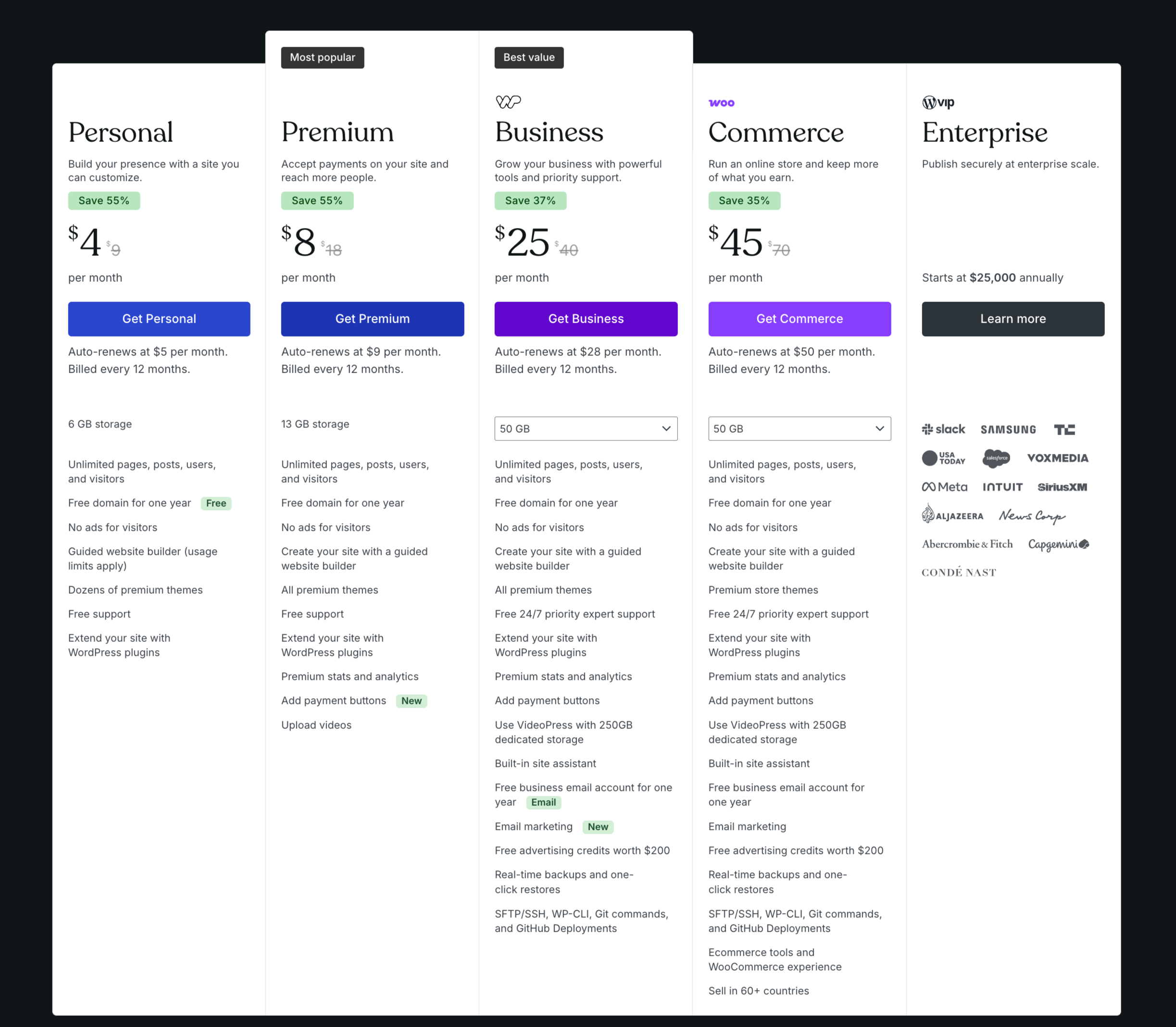
For many new bloggers, the Personal plan offers an attractive starting point because it includes a custom domain and access to the core WordPress.com experience without requiring a large investment.
Who Should Use WordPress.com?
I think WordPress.com is a great fit for:
- First-time bloggers
- Content creators who want a simple setup
- Freelancers and personal brands
- Small business owners
- Anyone who prefers convenience over technical management
If your goal is to publish content quickly and avoid dealing with hosting, security, updates, and maintenance, WordPress.com does an excellent job.
Who Might Prefer WordPress.org?
WordPress.org may suit you better if you:
- Want complete control over your server
- Prefer managing your own hosting account
- Need advanced server configurations
- Like handling every part of your website yourself
That extra control can be valuable for experienced users.
If you’re just getting started, it often adds more responsibility than you actually need.
My Final Verdict
What impressed me most about WordPress.com wasn’t any single feature.
It was how little I had to think about the platform after launch.
The hosting worked.
The security worked.
The updates happened automatically.
The site stayed online.
That let me spend my time writing new articles and growing the blog.
If you’re starting your first blog and want a platform that balances ease of use with room to grow, WordPress.com is far stronger than many older reviews give it credit for. The addition of plugin access and expanded customization across all paid plans has made it a much more capable option than it was just a few years ago.
Would I use it again?
Absolutely.
If I wanted to launch a new blog and focus on writing from day one, I wouldn’t hesitate.
Frequently Asked Questions
Is WordPress.com good for beginners?
Yes. In fact, beginners are probably the audience that benefits most from WordPress.com.
The platform handles hosting, software updates, security, and much of the technical maintenance that often confuses new website owners.
If your goal is to launch quickly with minimal technical stress, WordPress.com is one of the easiest ways to get started.
Can you make money with a WordPress.com blog?
Absolutely.
Many bloggers use WordPress.com to generate income through advertising, affiliate marketing, sponsored content, digital products, memberships, online courses, consulting services, and other monetization methods.
Like any blogging platform, success depends more on your content, audience, and business plan than the platform itself.
WordPress.com gives you the tools to publish and grow. The income comes from creating content that attracts and helps readers.
Do I need a paid plan?
Not necessarily.
You can start with a free plan if you simply want to test the platform.
That said, most serious bloggers will eventually want a paid plan. The Personal plan is often the first upgrade because it includes a custom domain, which immediately makes a site look more professional and credible.
A custom domain also helps build a stronger brand over time.
What’s the difference between WordPress.com and WordPress.org?
The simplest explanation is this:
WordPress.com is managed for you.
WordPress.org is managed by you.
With WordPress.com, hosting, security, updates, and maintenance are handled automatically.
With WordPress.org, you choose your own hosting provider and take responsibility for managing the technical side of your website.
WordPress.org offers maximum control, while WordPress.com prioritizes simplicity and convenience.
Can I move my blog later?
Yes.
One advantage of building on WordPress.com is that you’re still using the WordPress ecosystem. If your needs change in the future, it’s possible to export your content and move to a self-hosted WordPress.org website.
Most bloggers won’t need to do this immediately, but it’s reassuring to know the option exists if your site grows and requires additional flexibility.
Does WordPress.com allow plugins now?
Yes, and this is one of the platform’s biggest recent improvements.
All paid plans now have access to plugins and themes. This opens the door to more than 60,000 plugins, allowing you to add SEO tools, forms, analytics, performance enhancements, membership features, and countless other capabilities.
For many users, this significantly narrows the gap between WordPress.com and self-hosted WordPress.org.
Which WordPress.com plan should I choose?
For most new bloggers, the Personal plan is the best place to start.
It includes a custom domain and access to the core WordPress.com experience at an affordable price point.
As your site grows, you can move to Premium, Business, or Commerce plans if you need additional features or e-commerce capabilities. The good news is that you’re not forced to start at the highest tier just to access themes, plugins, or design customization.
Final Thoughts
When I started this experiment, I wanted a simple answer to a simple question:
Is WordPress.com actually worth using?
After building a blog on the platform, my answer is yes.
What impressed me most wasn’t a flashy feature or a groundbreaking tool. It was the fact that WordPress.com stayed out of the way. I didn’t have to spend my time managing hosting, worrying about security updates, or troubleshooting technical problems. The platform handled those responsibilities so I could focus on creating content.
That’s a bigger advantage than many people realize.
The recent improvements have also made WordPress.com far more compelling than it used to be. Access to plugins and themes across all paid plans, stronger customization options, custom fonts, Global Styles, and CSS controls give users much more flexibility without sacrificing the convenience of a managed platform.
Is it perfect?
No platform is.
But for beginners, content creators, freelancers, small business owners, and anyone who wants to launch a blog without getting buried in technical details, it’s one of the strongest options available.
If you’re still debating whether to start your blog, here’s my advice:
Stop waiting for the perfect platform.
Pick one.
Publish your first post.
Learn as you go.
After all, the blogs that succeed aren’t usually built by people who have spent months researching. They’re built by people who started.
And WordPress.com makes that first step surprisingly easy. Click below to create your account and get started.
You might also like…