

GoDaddy is a well-known option for domain names and web hosting, but it isn’t always the right choice for everyone.
You might want fully managed hosting with less maintenance, a low-cost self-hosted plan, an easy-to-use drag-and-drop website builder, cheaper domain names, or stronger tools to manage your site.
In this post, I do not push a single solution for all users.
Instead, I have selected the best GoDaddy alternatives based on real needs and practical use cases.
By the end, you can pick a platform that fits what you actually want, not what gets the most promotion.
Let’s go.
Top GoDaddy Competitors at a Glance
Here’s a side-by-side look at some of the strongest GoDaddy alternatives in 2026.
This comparison focuses on what each platform does best, so you can narrow down your options before reading the full breakdown.
| Platform | Best For | Key Advantage | Who Should Use It |
| WordPress.com | Managed Hosting | Handles updates and security automatically | Bloggers and small business owners |
| Hostinger | Value & Performance | Delivers fast speeds for a low price | Budget-conscious site owners |
| Wix | Visual Building | Simple tools for creating a custom look | Creatives and portfolio owners |
| Namecheap | Domain Names | Low renewal rates and privacy protection | People who just need a web address |
4 Best GoDaddy Alternatives in 2026
If you are looking for a new home for your website, GoDaddy isn’t your only option. Let’s break down the best alternatives to help you find the right match for your project.
1. WordPress.com
Fully Managed Hosting With a Built-In Website Builder
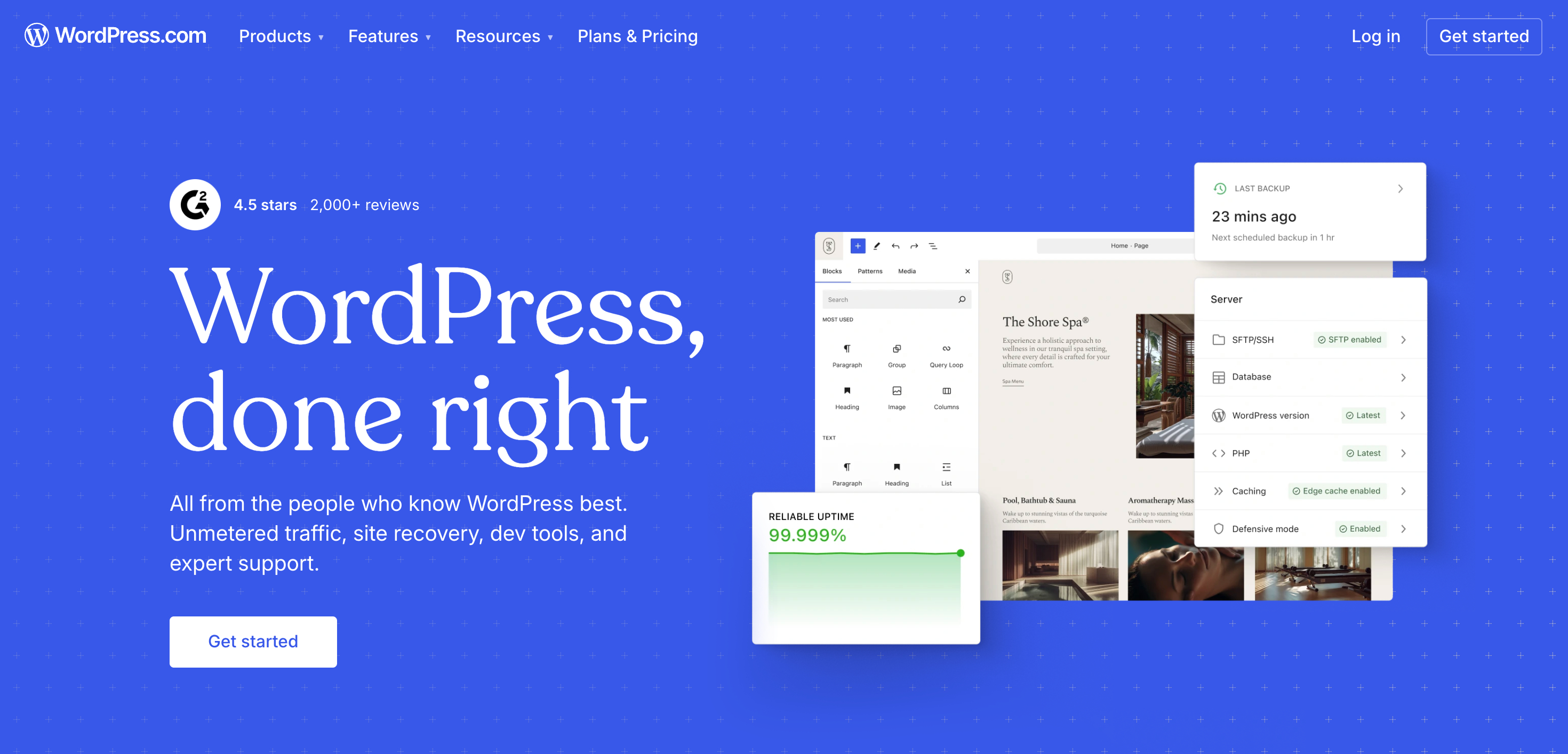
WordPress.com takes the technical weight off your shoulders. If you want a site that just works without the headache of server maintenance or security patches, this is a strong contender.
Because it is a fully managed platform, the company handles the backend work for you. This allows bloggers and small business owners to spend their time on writing and marketing instead of troubleshooting hosting errors.
Key Features:
- Managed Services: They handle your updates, backups, and security automatically.
- Site Creator: You can use a straightforward editor with pre-made themes to build your pages.
- Growth Potential: You can begin with a simple portfolio and move to business or shop plans when you need more power.
- No Traffic Caps: They don’t charge extra if your site suddenly gets a lot of visitors.
- Cost: Plans start at $2.75/month (for 36 months).
On most plans, you can install your own plugins and premium themes. This is a big deal because it means your site can change as your goals do.
They also include a free domain for the first year and staging environments where you can test changes before they go live.
Since the platform includes built-in analytics, you can see how people find your site right from your dashboard. If you run into trouble, you can lean on their massive community and library of guides.
Who should use it:
- New users who want to avoid the technical side of hosting.
- Creators and bloggers.
- Small businesses that need a reliable, set-it-and-forget-it site.
Why pick WordPress.com instead of GoDaddy:
GoDaddy often pushes unnecessary add-ons and splits its site builder from its hosting. WordPress.com puts everything in one package. It feels much more cohesive and saves you from the constant “upsell” notifications that plague GoDaddy users.
Read my full WordPress.com review.
2. Hostinger
High Speed and Full Control on a Budget
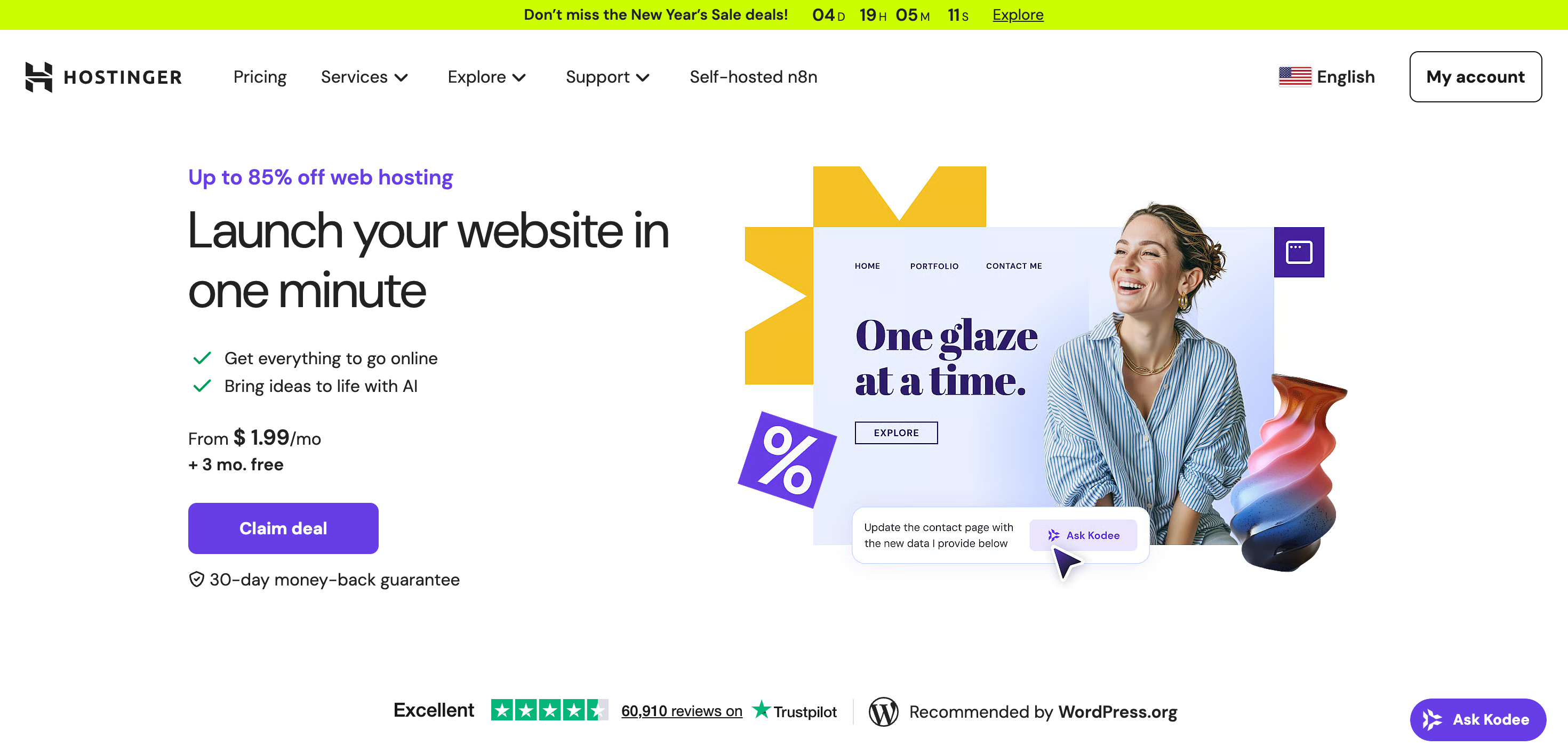
If you need a fast, dependable host that grants you total authority over your site, Hostinger is a top-tier alternative to GoDaddy.
Unlike platforms that lock you into a rigid system, Hostinger provides the freedom of self-hosting at a much lower price point without sacrificing speed or assistance.
Key Features:
- Speed: You get fast server response times and consistent uptime, even on the cheapest tiers.
- Free Domain: Most annual plans include a free domain for the first year, which cuts your initial startup costs.
- Complete Authority: You can install WordPress, build an online store, or run custom software exactly how you want.
- Simple Interface: The custom dashboard makes it easy to manage your files and settings without a steep learning curve.
- Global Reach: With servers located around the world, your site loads fast for visitors regardless of their location.
Plans start at $1.99/month (for 48 months). As your traffic increases, you can move into cloud hosting or VPS options. This scalability means you won’t have to migrate to a different provider as your business grows.
Who should use it:
- People looking for the best performance for every dollar spent.
- WordPress users who want an easy setup process.
- Business owners who need a flexible platform that grows with them.
Why pick Hostinger instead of GoDaddy:
GoDaddy often charges more for basic hosting, and many users find their interface crowded and confusing. Hostinger focuses on a minimalist, user-friendly dashboard and better hardware.
For anyone watching their budget who still wants a powerful website, Hostinger is the more logical choice.
3. Namecheap
Budget-Friendly Domain Management
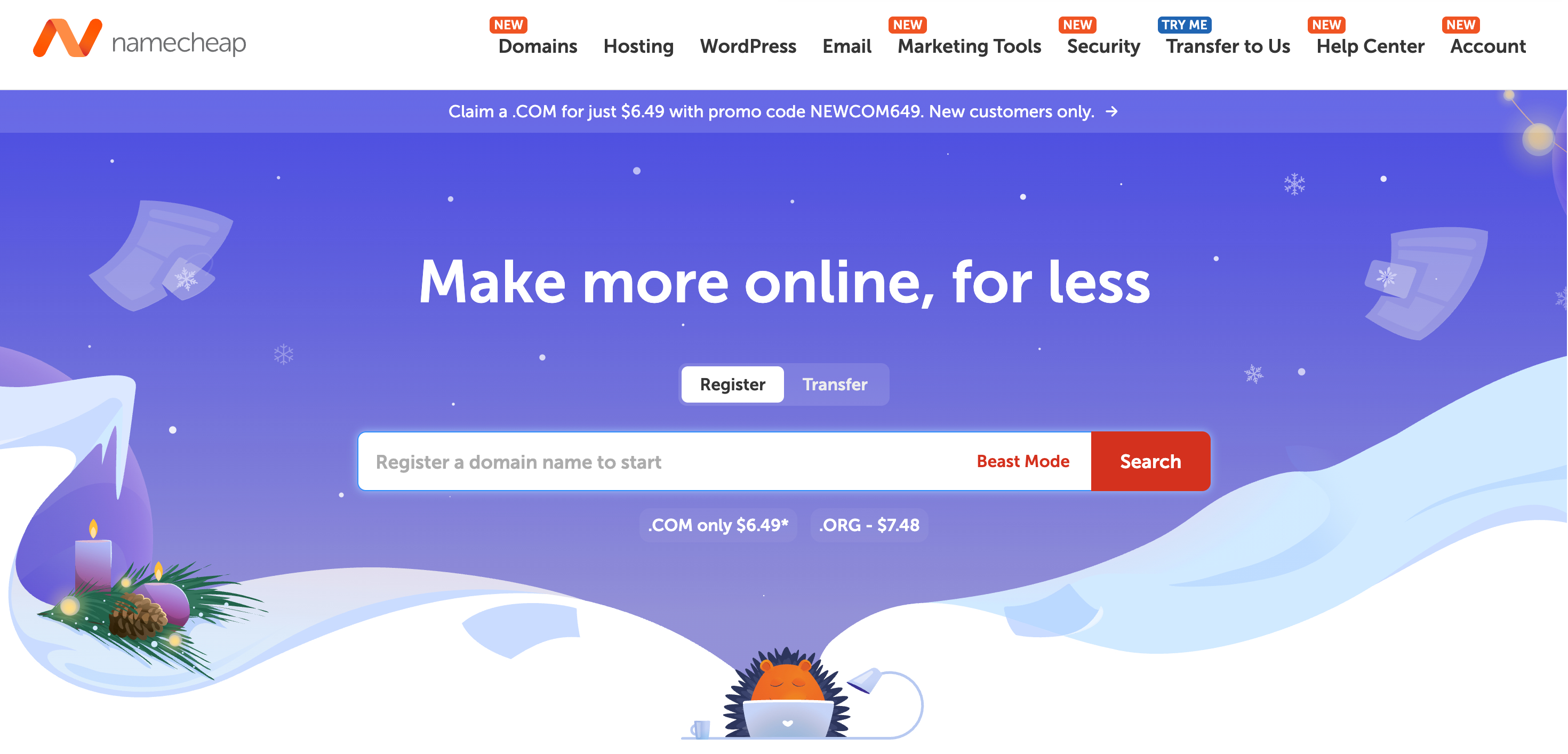
If you want to buy and manage domains without overspending, Namecheap serves as a strong alternative to GoDaddy. The platform prioritizes domain services, which help users who only need a web address rather than a full hosting package or site builder.
Key Features:
- Low Costs: Namecheap provides competitive rates for both initial registrations and yearly renewals.
- Privacy Included: You get WHOIS privacy protection for free, keeping your personal contact details off public databases.
- Simple Dashboard: The interface allows you to track and organize all your web addresses in one place.
- Bulk Tools: You can update settings, set up redirects, or renew dozens of names simultaneously.
Registration starts as low as $1 to $2 per year for specific extensions, while standard .com or .org addresses typically run between $8 and $12 annually.
Entrepreneurs and marketers often choose Namecheap to support multiple projects because the company avoids the aggressive upselling found elsewhere. Beyond domains, they offer low-cost SSL certificates and professional email hosting to help secure your site and handle your inbox.
Who should use it:
- People buying their first domain.
- Owners who plan to keep their domains for many years.
- Anyone tired of high renewal fees and complicated interfaces.
Why pick Namecheap instead of GoDaddy:
GoDaddy frequently increases prices when it comes time to renew and adds extra fees for privacy. Namecheap includes privacy at no cost and maintains consistent pricing. If you only care about securing a domain name without the headache of constant upsells, Namecheap is the better option.
4. Wix
The Ultimate Drag-and-Drop Website Builder
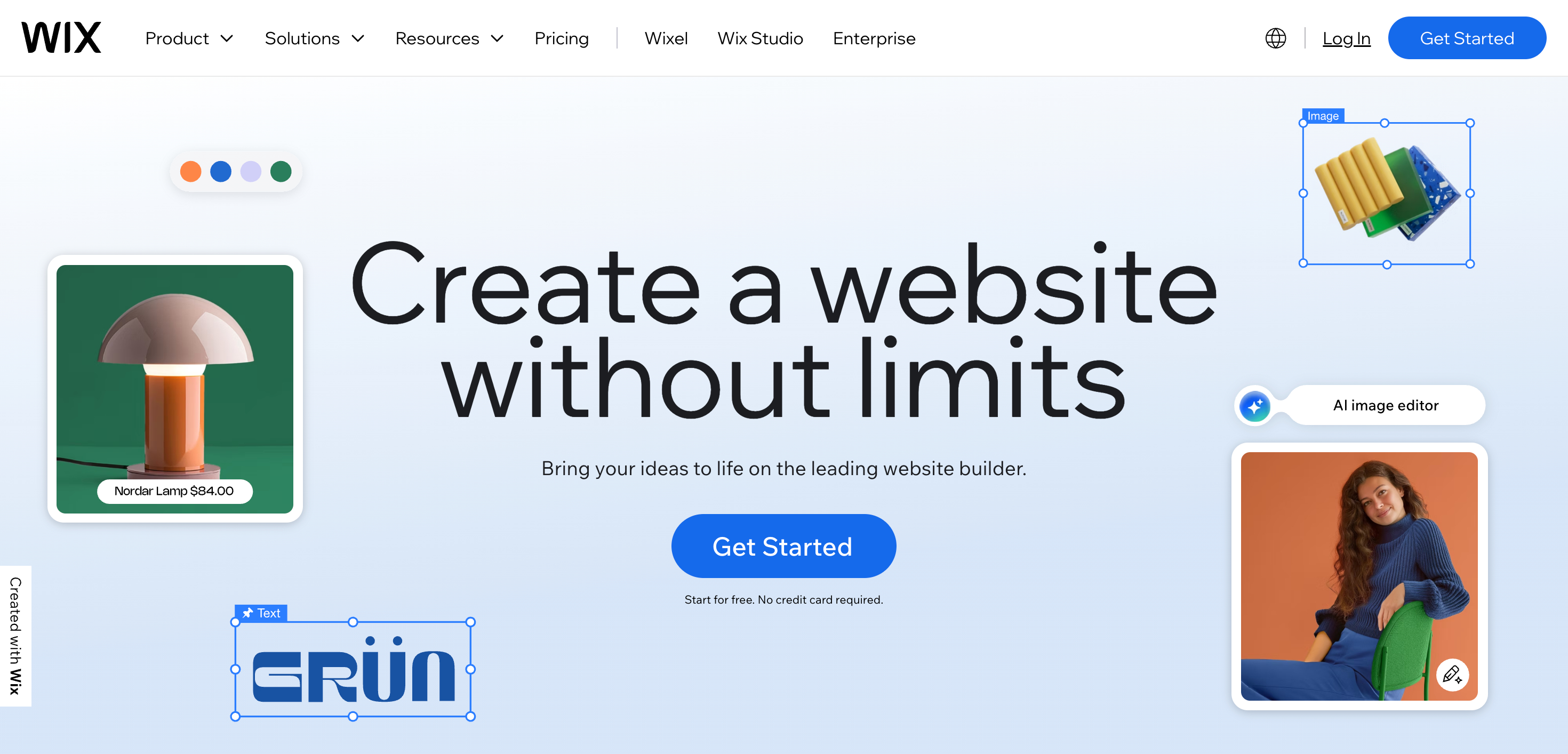
If you want total authority over how your site looks but hate the idea of coding, Wix beats GoDaddy every time. It functions as a complete, all-in-one system. Because Wix handles the hosting, you can spend your energy on the visual layout instead of worrying about server settings or backend technicalities.
Key Features:
- True Visual Editor: Move any element anywhere on the page to get your layout exactly right.
- Massive Library: Choose from over 2,000 templates and functional add-ons to build your site.
- Unified Setup: Your hosting and domain live in the same place, so you don’t have to register them separately.
- Simple Pricing: Personal plans begin at $17 per month, while business and store owners can opt for higher-tier packages.
You can build a professional site in a single afternoon because the platform uses pre-made blocks that you simply arrange. Beyond basic pages, the App Market provides tools for email marketing and online sales that require zero programming knowledge.
Who should use it:
- People new to web design or those who avoid technical tasks.
- Creatives building portfolios or owners of small businesses.
- Anyone who wants their site to look exactly like their vision without compromises.
Why pick Wix instead of GoDaddy:
GoDaddy’s builder often feels restrictive. Wix removes those boundaries by offering deep customization.
Choose Wix if you want a platform that prioritizes visual identity and ease of use above all else.
Final Thoughts – Which GoDaddy Alternative Wins in 2026?
Your search for a GoDaddy alternative starts with one question: what does your website actually need to do?
If you prefer a hands-off approach with a simple setup, WordPress.com works best.
For those who want fast, self-hosted performance without breaking the bank, Hostinger provides high speeds and full control.
If you prioritize visual design, Wix offers an intuitive drag-and-drop editor that helps beginners build a site without coding.
If you only want to register a domain, Namecheap offers low prices and includes privacy protection and basic security features at no extra cost.
You might also like…
